Skip to content

Pre-Lightroom metadata, client-trust positioning, and wedding-Monday workflows

By Kenny Kindall, builder of Jade GT, writing against workflow patterns wedding and stock pros describe in community forums and industry writeups.

Short-form writing for working wedding and stock photographers, built around the one hour of the week that still happens in Finder and a spreadsheet, the consultation questions couples started asking this year, and the metadata fields an agency wants before they'll accept an image. Posts come from the workflow patterns wedding pros describe in community forums and industry writeups, plus build notes from making Jade GT. A new one lands every week or two.

Start here

Two flagship posts to anchor new readers — everything else in the feed below builds on these:

Follow the blog

  • Email replies. Every post ends with an invitation to reply. Those land in my inbox, and future posts come straight from what working pros are actually asking. Send a Monday-morning war story, ask a question, or flag something I got wrong — I read every message.
  • RSS. The feed for all posts is at https://jade-gt.com/docs/feed_rss_created.xml. Plug it into your reader of choice.

Wedding Photo Privacy Without the Panic

An EXIF viewer showing GPS coordinates, camera model, and timestamp fields embedded in a JPEG before a local strip. An EXIF viewer showing GPS coordinates, camera model, and timestamp fields embedded in a JPEG before a local strip.
The EXIF block a modern camera writes into every frame. Stripping locally is step one of wedding photo privacy.

The short answer

Most of the scary 2026 privacy laws, including BIPA, MHMDA, the EU AI Act, and the TAKE IT DOWN Act, don't apply to an ordinary wedding gallery. What actually leaks is narrower: EXIF GPS on public posts, and the 2026 reality that a vision-language model can geolocate a photo from the scene alone. Afternoon's worth of fixes closes the gap.

Monday morning. The cards are pulled from Saturday's Sedona wedding. 2,200 frames between two bodies, a ceremony at the chapel, a rooftop cocktail hour, the couple's dog in a bow tie. Your phone buzzes. It's a text from last June's bride. Did you see this?

Screenshot attached. A stranger reverse-searched two of her ceremony photos through PimEyes, matched her name, and messaged her on Instagram about the dress. The gallery was unlisted. The photos had her face but no EXIF GPS. You know, because you stripped everything before you delivered.

So how did someone find her.

The answer is that in 2026, stripping metadata is the beginning of wedding photo privacy, not the end.

How to Geotag Photos Without a GPS Tracker

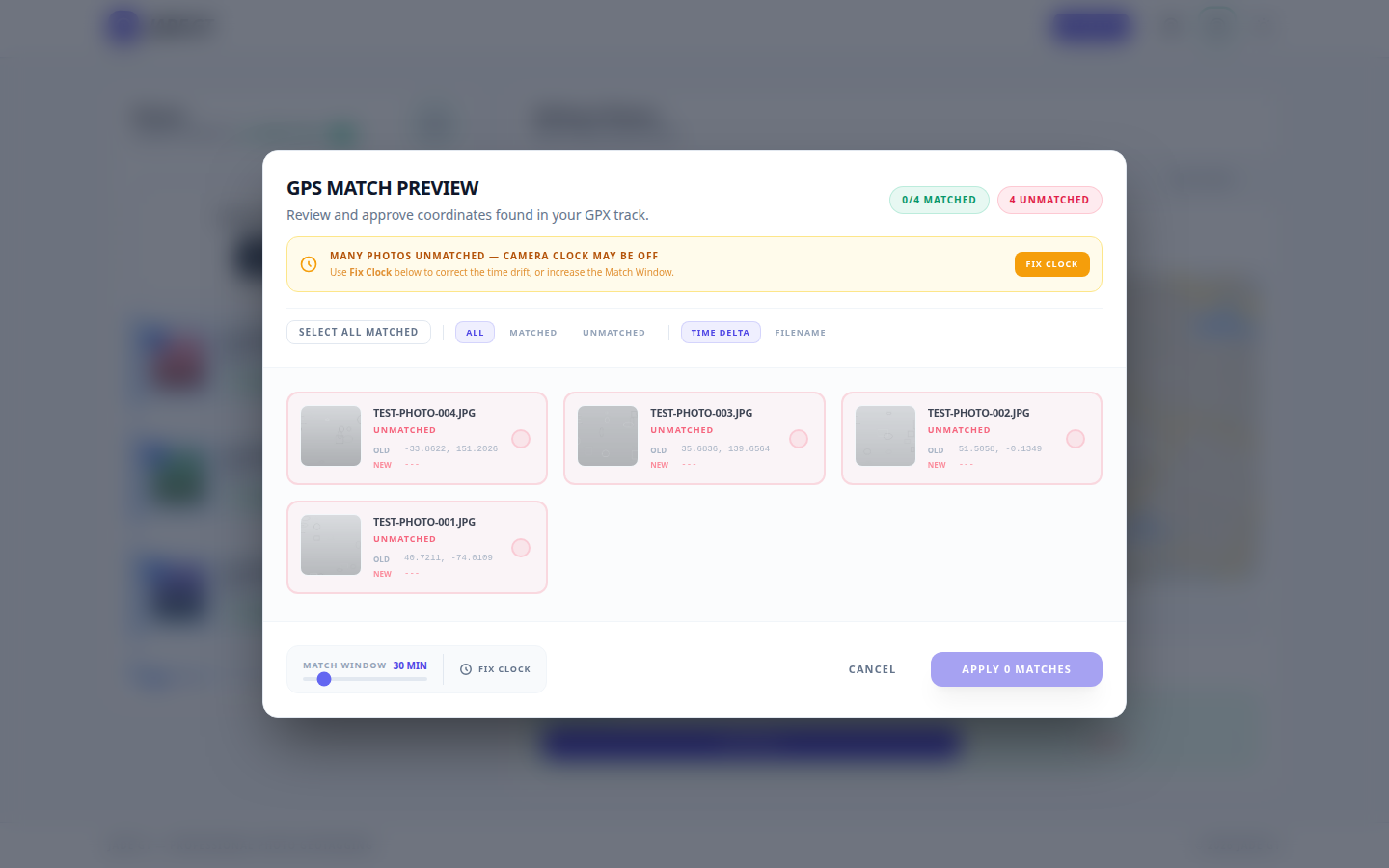
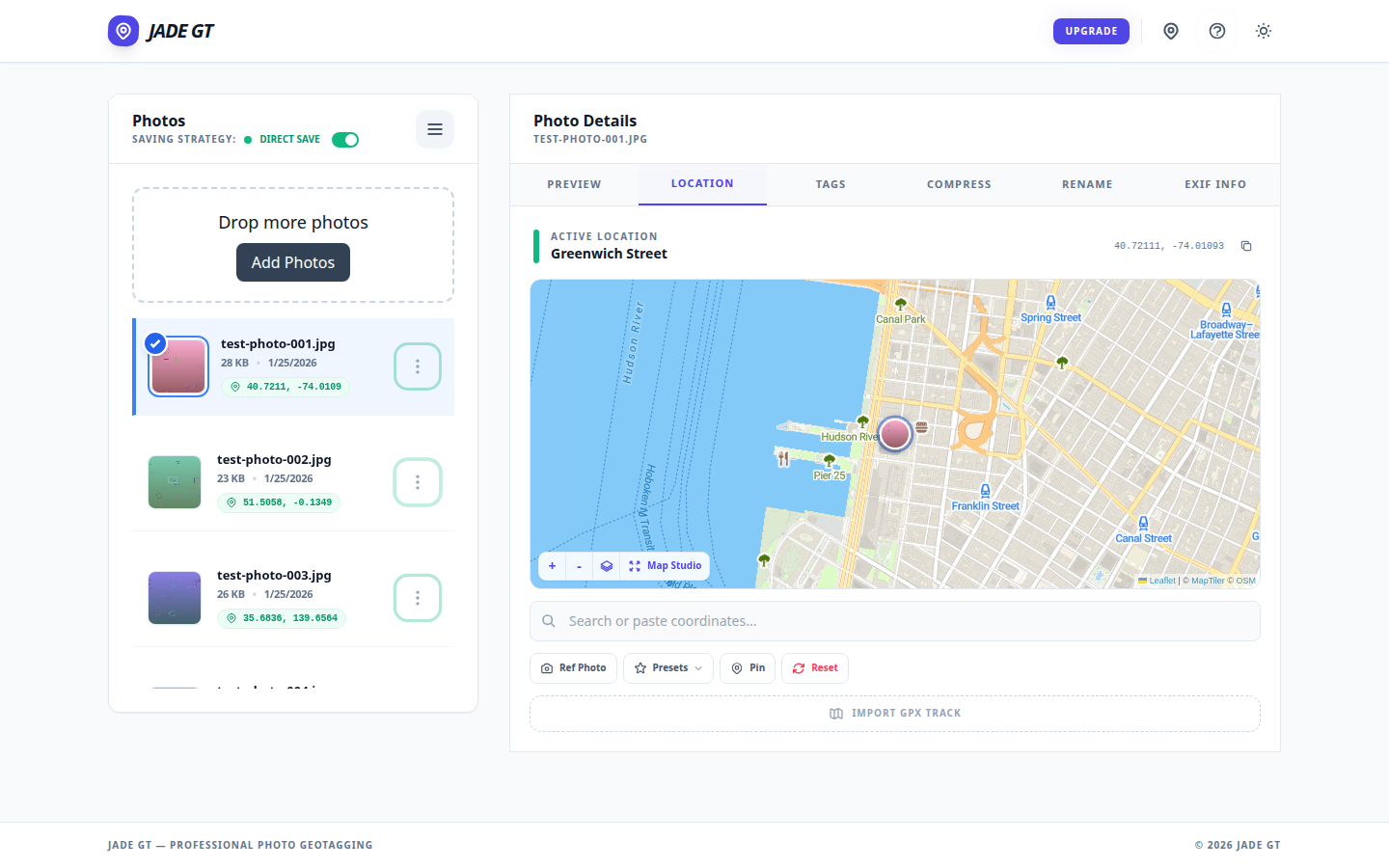
The Jade GT Location tab showing a venue pin dropped on the map and ready to apply to all selected photos. The Jade GT Location tab showing a venue pin dropped on the map and ready to apply to all selected photos.
Pin-drop on the Location tab: one coordinate, applied to the whole card.

The short answer

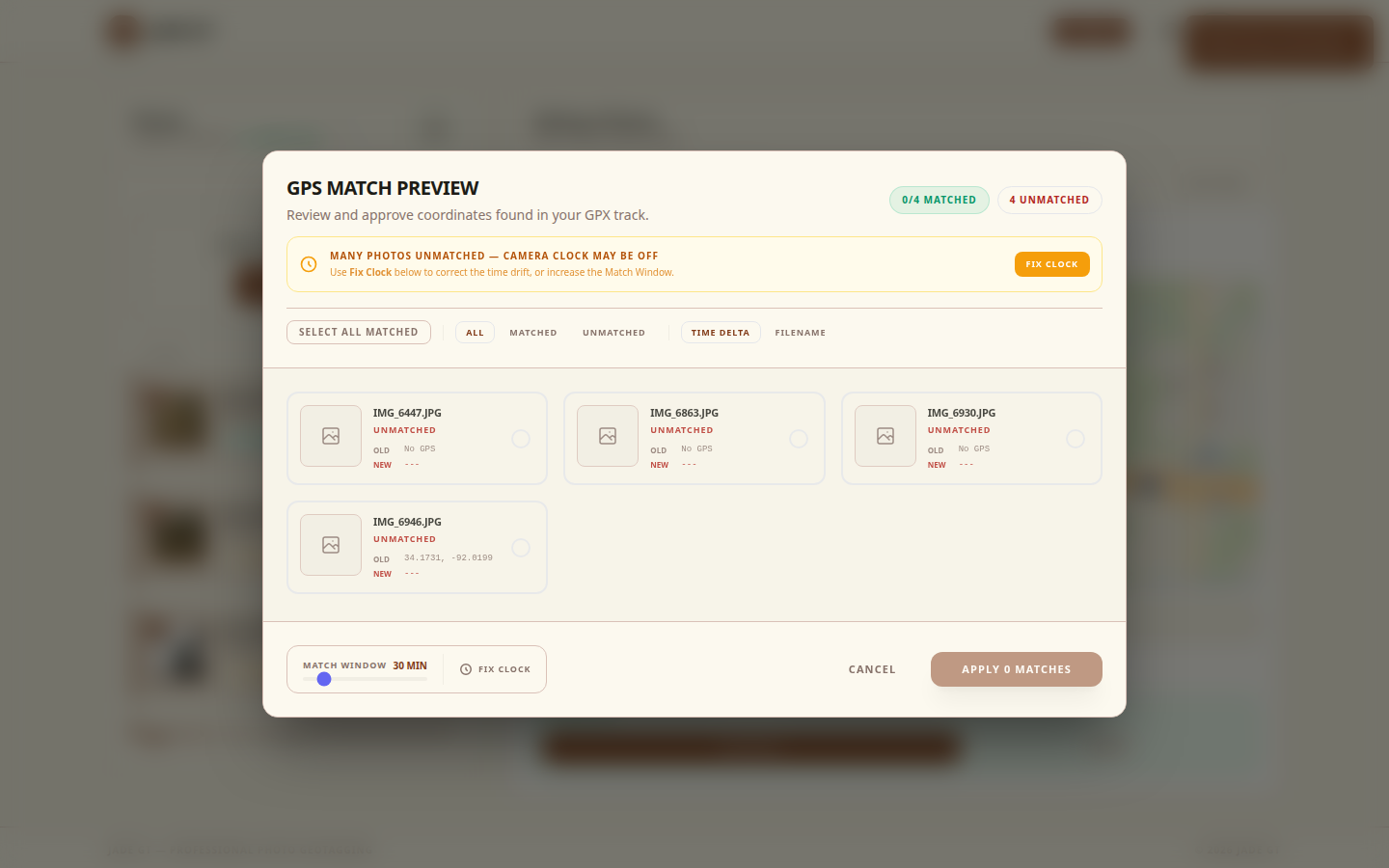
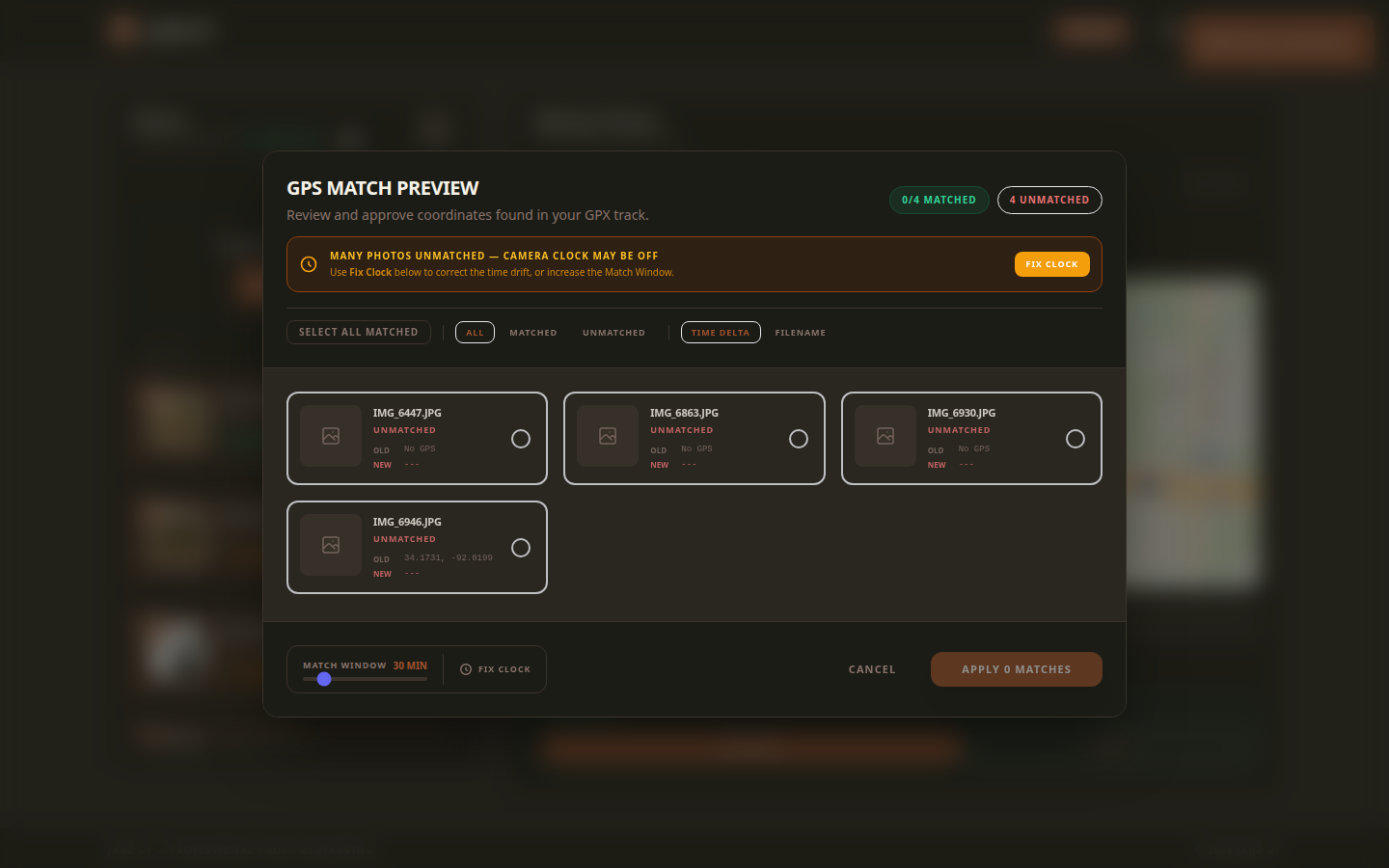
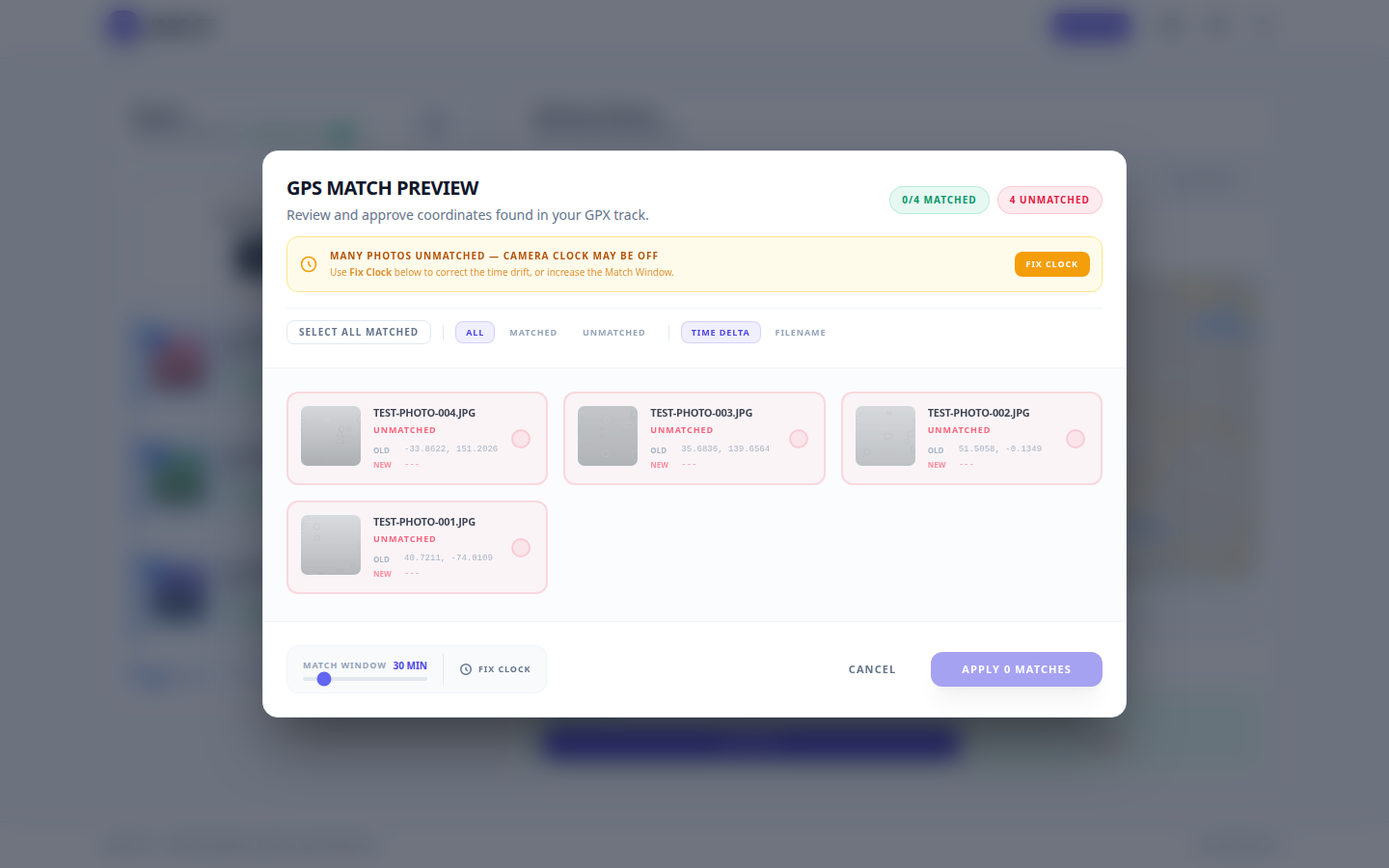
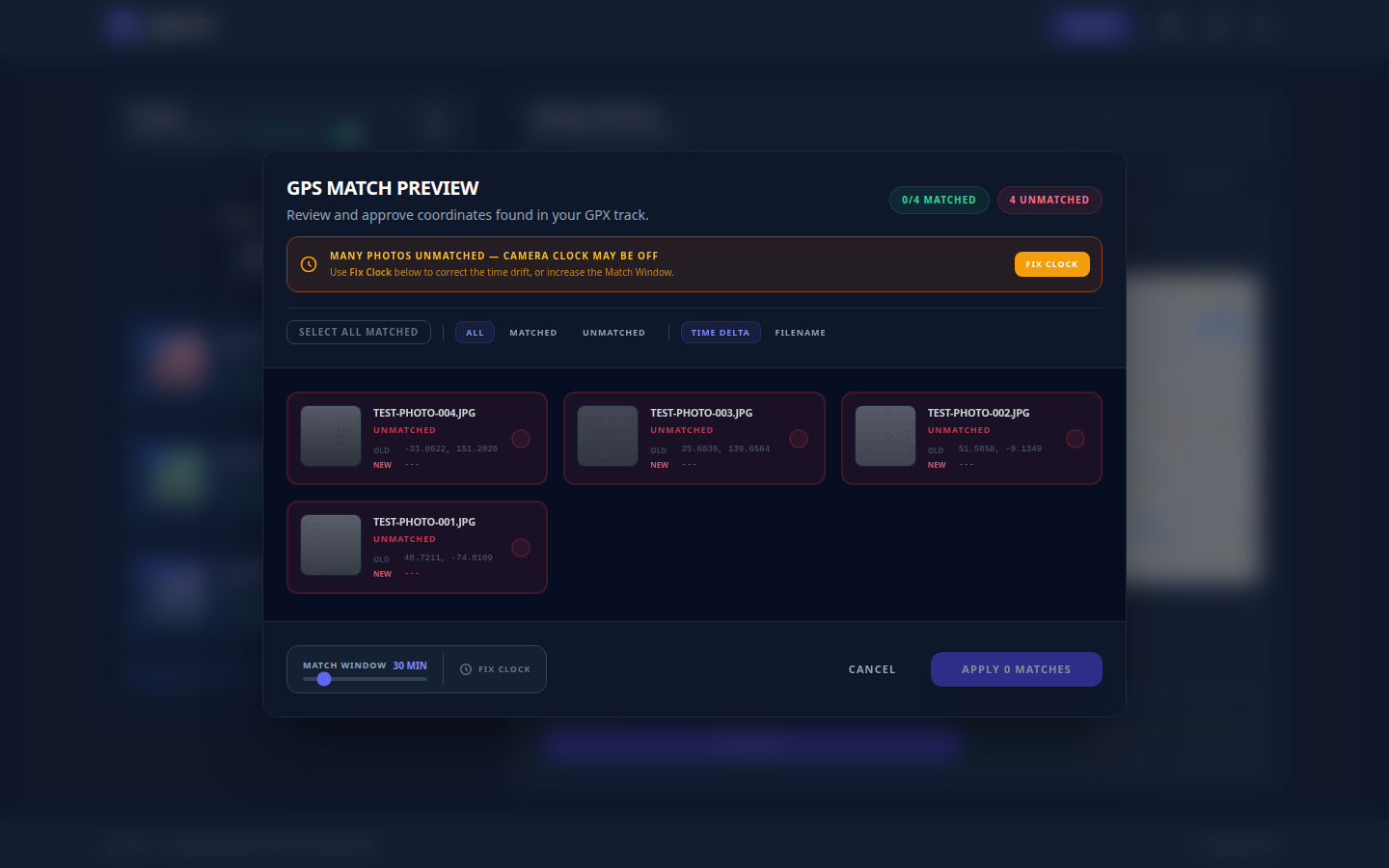
If you do not own a GPS puck, can you still geotag? Yes. For a single-venue wedding or studio session, drop one pin and apply it to every photo. For destination, travel, or outdoor work, record a GPX track on your phone and let Jade GT match each frame by timestamp. No tracker. No upload. No Lightroom Map module bug.

You unloaded the cards from the destination wedding in Sedona last night. Two photographers, three bodies, roughly 2,400 frames between them. The couple wants the gallery sorted by location. Sedona chapel, then Cathedral Rock, then the resort cocktail hour. Every photo needs to know where it was taken so the search box and the printed-album metadata both work later.

You do not own a Garmin handheld. You did not buy the Solmeta hot-shoe puck. Your Canon R5 talks to your phone over Bluetooth, sometimes, when the phone is awake, which it was not for most of the day. The EXIF for all 2,400 frames currently says "no location."

I do not carry a GPS tracker, can I still geotag? Yes. There are two reliable paths and one Lightroom workaround. None of them require new hardware.

What to tell wedding clients who ask about AI

It happens at the consultation, usually toward the end, right after the timeline questions and right before the deposit talk. The bride leans forward. "One more thing. You're not going to, like, feed our photos into an AI, are you?"

Three years ago you would not have heard that question at a wedding consultation. A year ago you might have heard it once a season. This year, some photographers are hearing it at every other meeting.

The couple is not being paranoid. They have watched Meta tell its users their public Instagram photos would train a commercial AI model. They have read about actors and voice artists suing over likeness cloning, and watched SAG-AFTRA stay on strike for nearly a year over AI digital-replica protections. They know the phrase "training data" and they have a fuzzy but real sense that their wedding photos could end up somewhere they did not agree to.

And most of us, when the question lands, do not have a clean answer ready.

Organize 2,000 Wedding Photos Before Lightroom Even Opens

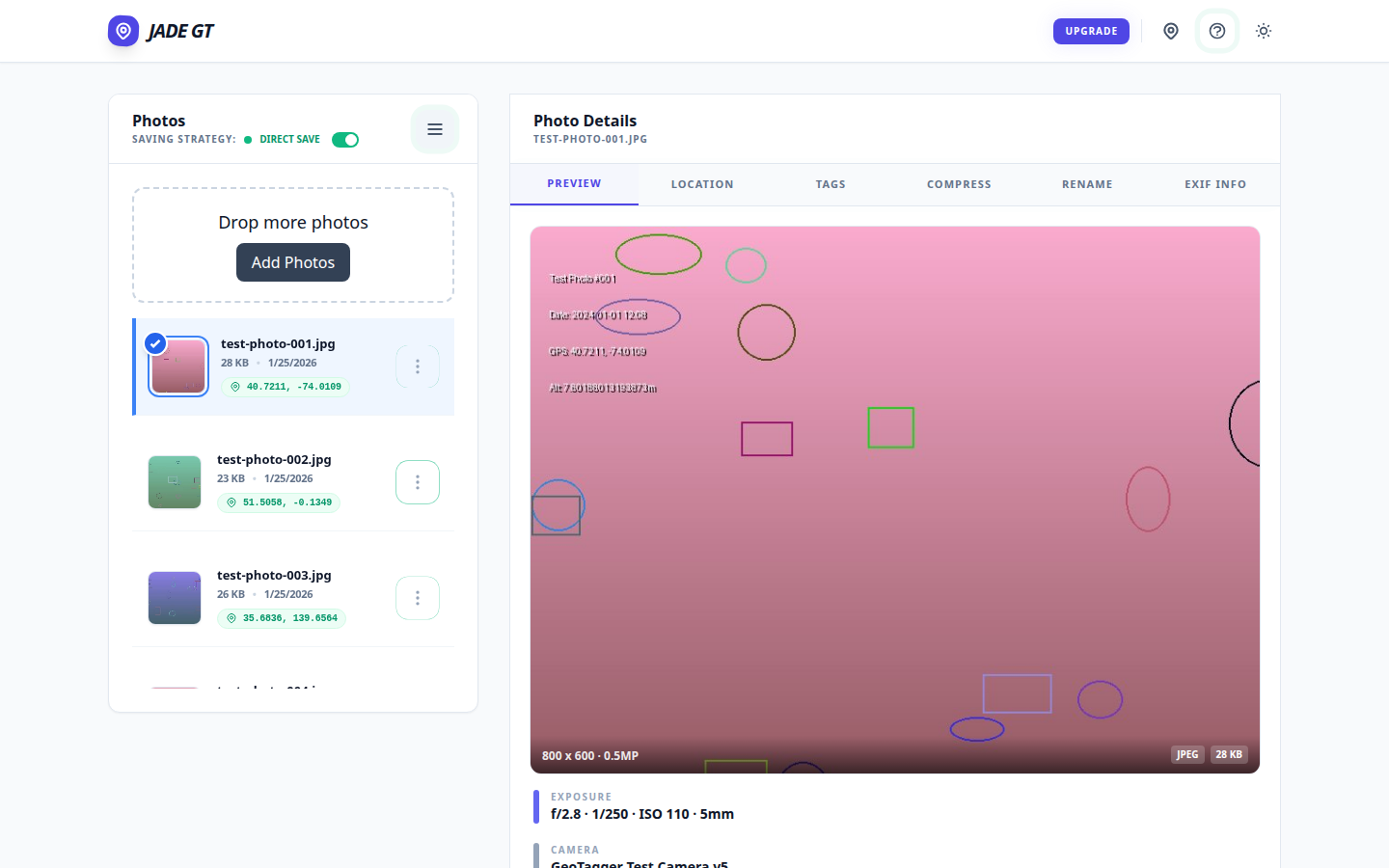
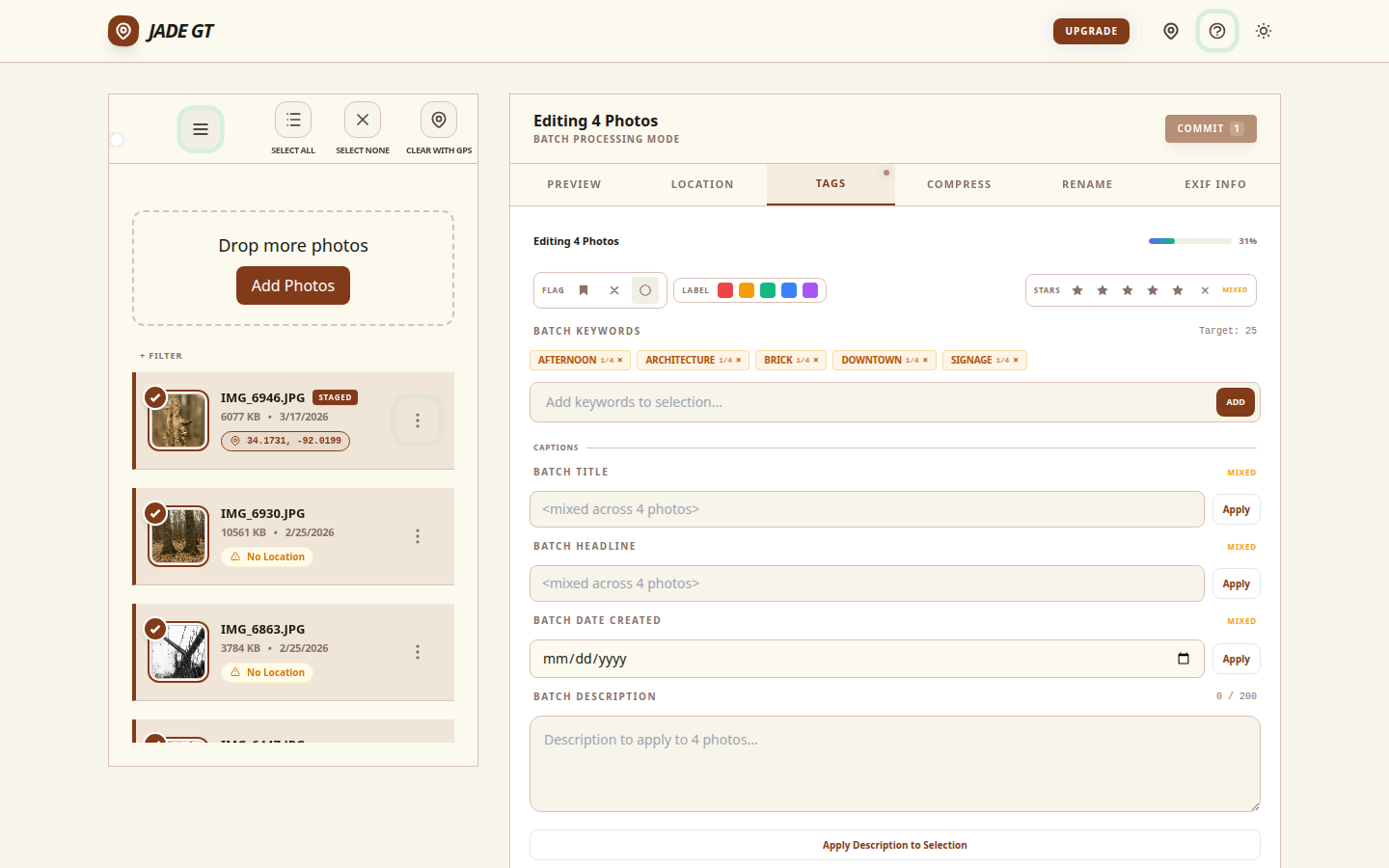
The Jade GT workspace with a loaded folder of wedding RAWs on the left and the Details Panel open on the right, ready for batch metadata work. The Jade GT workspace with a loaded folder of wedding RAWs on the left and the Details Panel open on the right, ready for batch metadata work.
A card's worth of RAWs loaded into Jade GT before Lightroom ever opens.

The short answer

A wedding-Monday metadata pass is six separate treatments (copyright, title, keywords, GPS, rename, stamp), usually spread across six tools and four hours. Jade GT collapses them into a single browser pass before you import into Lightroom. Files never upload anywhere; the only typing is forty keystrokes of wedding-specific detail.

It is Monday. The cards are pulled. The coffee is hot. Somewhere on your desk, two memory cards and a backup drive are holding roughly 2,000 RAW files from Saturday's wedding, and none of them know their own name yet.

If you have been shooting weddings for more than a season, you already know the shape of the next four hours. Rename. Stamp copyright. Geotag the venue. Keyword the ceremony. Rate the keepers. Title the event. Six separate treatments, each one a full pass across the whole card, most of them living in different tools. By the time Lightroom finally opens, half your morning is gone and you have not culled a single frame.