The "Iceland 2019" problem: why wedding photo retrieval fails
The short answer
Wedding photo retrieval does not fail the day you search. It fails five years earlier, at card ingest, when the fields that make a file findable (IPTC Title, Sublocation, Keywords, Description) went blank. The "how do I organize 20,000 photos" question is almost always downstream of one specific frame you cannot find today. The fix is not a better asset manager; it is metadata written at ingest, embedded in the file itself. Jade GT runs locally in the browser and works both directions: it reads IPTC, EXIF, and XMP so you can audit which of your weddings are already retrieval-ready, and it writes the same fields in batch before Lightroom opens. No uploads, no training, no cloud.
It is Tuesday night. An email came in from a 2019 couple asking for "that one shot of us in front of the waterfall" for an anniversary print. You remember the shot. You remember Iceland in November, the wind off the falls, the second body you were testing that week. You have shot another 140 weddings since.
You open Lightroom. You search "Iceland." Two hits. Neither is the frame. You search the couple's last name. Twelve hits, all portraits from the getting-ready room, none of the waterfall. You click into the 2019 folder. Eighty-two subfolders, date-stamped. You scroll.
Forty-five minutes later you have the frame. Also forty-five minutes' worth of small, quiet annoyance at your past self, who knew at the time they should tag things better, and shipped the wedding anyway.
That is the moment this post is about. Not the frame. The forty-five minutes.
"I need that one shot from the Smith reception"
Spend ten minutes on r/WeddingPhotography and you will watch the same thread get posted monthly, under different headlines, with the same shape:
The shape of the retrieval-failure post
I need to find one specific shot from a reception three years ago. The couple is asking for it for an anniversary print. I cannot find it. How do you all organize your archives?
The question that surfaces is "how do I organize 20,000 wedding photos." The trigger is always one specific frame. A mother-son dance. A ring detail on a leather-bound missal. A candid of the grandfather laughing. The couple has named a moment the photographer also remembers, and the archive is refusing to hand it over.
The thread answers arrive on a predictable distribution. A third say "use keywords." A third say "folder structure, strict YYYY/MM/couple-name." A third say "I gave up and use a DAM like Photo Mechanic or PhotoShelter." All three groups are pointing at the same underlying fact, from different sides. They just do not name it the same way.
The fact underneath every wedding photo retrieval failure: the file did not carry enough information about itself the second you handed it off.
Why does folder-by-date stop working at 150 weddings?
The first fifty weddings, folder-by-date works. The folder is the retrieval system. 2019/11-iceland-smith/ is legible because there are twenty-six folders, not two hundred.
Somewhere between year three and year five, the folder tree passes a threshold. The PhotoShelter piece on spring-cleaning an image archive names the pattern cleanly: folders encode when, not what. For the first year of retrieval you search by date, because you remember dates. By year five you remember the couple, the venue, the shot. You do not remember the week of November.
At that point the folder stops being a retrieval system and starts being a storage system. Those are two different jobs.
PhotoShelter's longer piece on how metadata increases the worth of your photos frames it as an asset-value argument: the findable archive is the valuable archive. If the second-biggest reason a frame exists is to be delivered again half a decade later (first reason: to be delivered the first time), every frame that is not findable is quietly losing value each year. The ASMP and Library of Congress joint work on metadata for digital photography makes the same case from the preservation side: embedded metadata is a precondition for long-term discoverability, not an optional polish step.
Wedding archives are where this argument stops being theoretical. 150 weddings is roughly 300,000 frames at a reasonable average. Folders cannot save you at that volume. Search can, if the fields are populated. Usually they are not. A longer take on the same failure, from the ingest-day end, is in the organize wedding photos before Lightroom post.
What does the file know that your catalog does not?
A note on whose archive I am drawing from. I am not a wedding photographer; I built Jade GT after watching the same r/WeddingPhotography thread recur for months. But the retrieval gap is genre-agnostic. I have lost time looking for street frames I knew I had taken: Detroit walks from years back, mostly, when I had no template and no IPTC discipline. The Pine Bluff and Tucson sets I shoot now are findable because I write the metadata at ingest. The earlier ones, mostly, are not. The argument below is what I learned from the difference between those two halves of my own archive, applied at the scale and stakes wedding photographers actually live at.
Here is the split that produces the retrieval-failure moment.
There are two places metadata can live: inside the image file (as IPTC, EXIF, or embedded XMP), or inside your catalog (Lightroom's .lrcat, Capture One's session, Photo Mechanic's variables). Most wedding workflows populate the catalog and assume the file carries the same information. Most of the time, it does not. The same file-versus-catalog split shows up in unrelated genres for the same reason. For the scarcity-case version of this argument, see the film-scan metadata-gaps post.
| Where it lives | What writes it | What survives |
|---|---|---|
| Inside the file (IPTC, EXIF, XMP) | Ingest-time stationery pad, saved preset, ExifTool, Jade GT | Always. Moves with the file. |
| Inside the catalog (.lrcat, session) | Lightroom Library keyworder, flags, ratings typed post-cull | Only inside that catalog. Does not move with the file. |
The IPTC Photo Metadata Standard defines the embedded-in-file half. The IPTC Photo Metadata User Guide walks through the fields one at a time: Title, Description, Keywords, Location Created (Sublocation, City, State, Country), Creator, Copyright Notice. These live inside the JPEG or RAW or DNG, in a standardized block every major asset manager can read and write.
Catalog-only metadata is a different beast. Keywords typed into Lightroom's Library module are written to the catalog, and optionally to the file if you enable "Automatically write changes into XMP" or run "Save Metadata to File" by hand. A lot of wedding pros never flip that switch, because they do not think of keywords as something that leaves the catalog.
The quiet default that breaks retrieval
"Automatically write changes into XMP" is off by default in Lightroom Classic. If you have not turned it on, and you have not manually run "Save Metadata to File" on your back catalog, every keyword and rating you have ever typed in the Library module lives inside the .lrcat and nowhere else. The file on disk stays anonymous. This is the single most common cause of the five-year retrieval wall.
The consequence shows up at year five. A catalog corrupts. A photographer migrates to Capture One. A drive gets restored from a backup that was two catalogs ago. The files survive. The keywords, ratings, flags, and titles that lived in the catalog do not.
The Adobe help page on metadata basics in Lightroom Classic names this distinction, but in practice the Library module's live-and-breathing keyword panel hides it. The felt experience is "I tagged this." The actual state on disk is "the catalog tagged this; the file is still anonymous."
Retrieval fails, five years later, on exactly that gap.
What does a retrieval-ready wedding archive look like?
The frame from that 2019 Iceland elopement, in a pro-prepared archive, looks like this on disk.
Filename
Smith_Wedding_Iceland_2019_01847.cr3. Client name, event type, venue shortcode, year, zero-padded sequence. Searchable from the OS, legible to a second shooter, survives every export. The schema lives in the Smart Renaming tab as a reusable pattern, so the second wedding takes seconds to rename instead of minutes. Getting that schema right across dual cards and big sequence counts is its own topic: filename schemas that survive a second-shooter handoff.
IPTC Title
Smith + Johnson Wedding, Skogafoss, 2019-11-16. Couple names, venue, date. This is the field that answers "which wedding" at a glance in every asset manager's metadata panel.
IPTC Sublocation, City, State, Country
Skogafoss / Skogar / Sudurland / Iceland. Four fields, written once for the whole venue, applied to two thousand frames. The IPTC User Guide puts a specific place name like Skogafoss on Sublocation, not on the larger administrative region. Smart collections can then filter on any level of the hierarchy.
IPTC Keywords
wedding, ceremony, reception, portraits, first-look, details, waterfall, outdoor-ceremony, elopement. The wedding-vocabulary stack, applied at ingest, refined during cull. The Keywords surface in Jade GT writes these into the IPTC block in batch, not into a catalog database, so they survive every migration after.
IPTC Description
One line per wedding, typed once: Smith and Johnson elopement at Skogafoss waterfall, November 2019, intimate ceremony with two guests.
Creator and Copyright Notice
The photographer's name and the formal copyright string. These are the fields that survive an image being cropped, re-exported, or handled downstream by a client's IT department.
GPS
Four coordinates (latitude, longitude, and their reference fields), applied once per venue, embedded in every frame.
Every one of those fields is defined in the IPTC Photo Metadata Standard. Every one lives inside the file. None of them depend on a catalog existing.
With those fields populated, the retrieval moment plays out differently. "I need that one shot from the Smith reception three years ago." Open Lightroom. Smart Collection: IPTC Title contains "Smith" and Keywords contains "reception". Eighty frames. Sixty seconds.
The couple gets the print. Tuesday night ends at 8:30, not 10:15.
The Monday that fixes every Monday after it
Here is the thing about the retrieval wall: you cannot fix it backwards.
You can, at considerable Tuesday-night cost, re-tag a specific couple's archive when they ask. Open the 2019 folder, batch-apply an IPTC Title, write Sublocation for the venue, save metadata to files. That is ninety minutes of archival surgery per wedding, paid for by a single Tuesday-night email.
You cannot, in any reasonable sense, re-tag 150 back-catalog weddings. That is a month of full-time work. No wedding pro has that month.
What a pro can do is draw a line at the next wedding. Saturday shoots it. Monday ingests it. The six metadata treatments (rename, copyright, GPS, keywords, Event Title, Description) get written at ingest, before the catalog touches the files. Two thousand files, one pass, everything embedded. From that Saturday forward, retrieval is a solved problem. Every wedding before the line stays in triage; every wedding after the line is findable on day one.
This is the argument for a pre-Lightroom metadata workflow, in one line: the intervention point is ingest, not cleanup.
The Camera Bits walkthrough of the Metadata (IPTC) Template is one implementation of the ingest-time idea. Photo Mechanic's stationery pad, applied as cards come in, pre-populates the file-level IPTC before anything touches the catalog. The Camera Bits tour of Photo Mechanic shows the same pattern inside a broader ingest pipeline. Photo Mechanic has been the pro workhorse for exactly this reason for two decades; the idea is not new. What is new is how many wedding pros are now ingesting straight into Lightroom, skipping the stationery-pad step, and paying for it on Tuesday nights.
Longer take on the six-treatments Monday pass: Mondays, handled: pre-Lightroom metadata for wedding pros.
How does Jade GT close this gap?
Two jobs have to happen for a wedding archive to be retrieval-ready, and they run in opposite directions. One reads what is already on disk, so you know where the line falls in your archive. The other writes the missing fields at ingest, before Lightroom opens. Jade GT is the browser-native pre-Lightroom pass that does both, locally on your machine, without uploading a single frame. Local-only is also the default the wedding photo privacy post makes the case for from a different angle: what does not leave the machine cannot be subpoenaed, leaked, or trained on.
Start here. No writes, no edits, just a read.
- Open Jade GT and drop the folder from the oldest wedding you can still find.
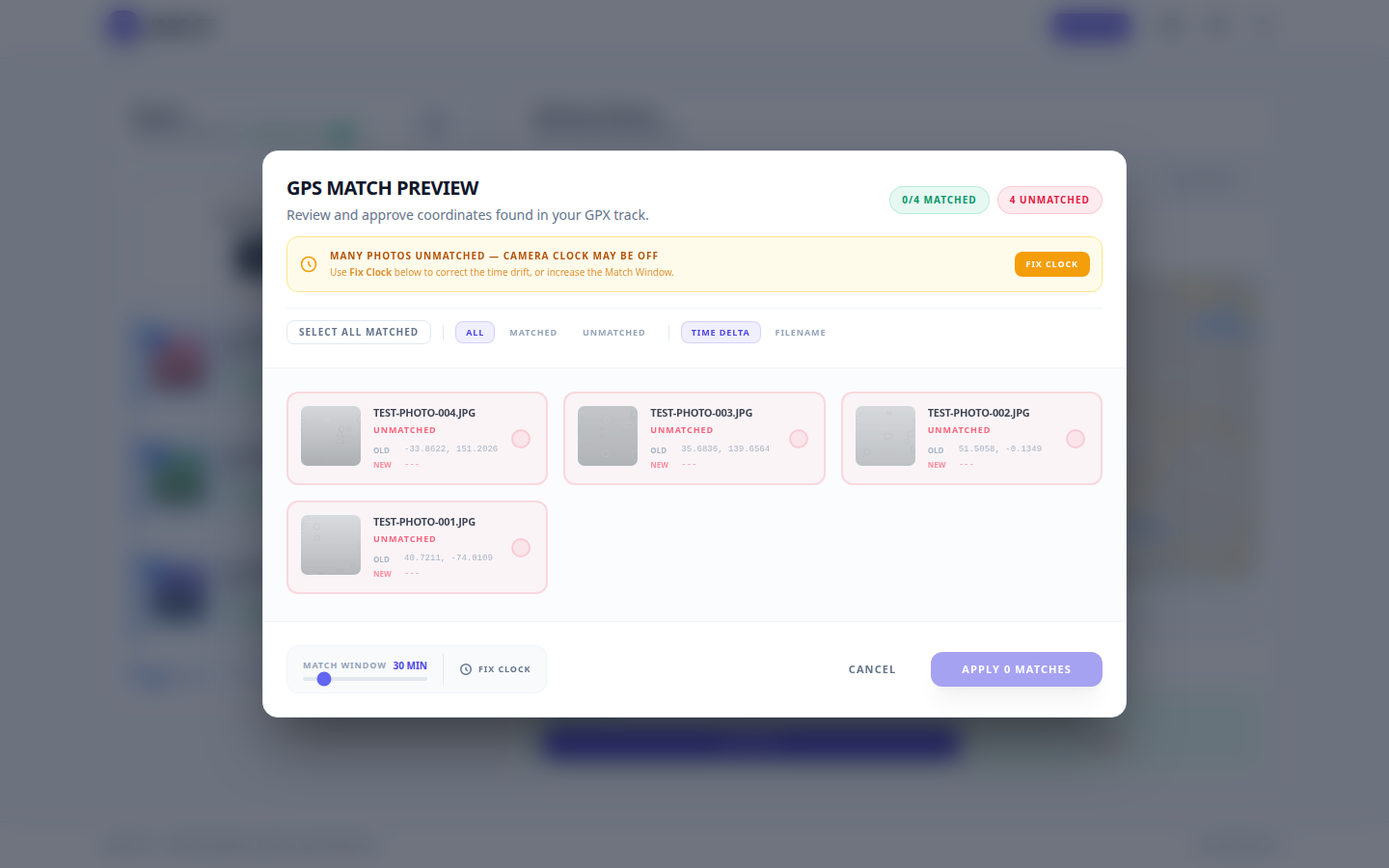
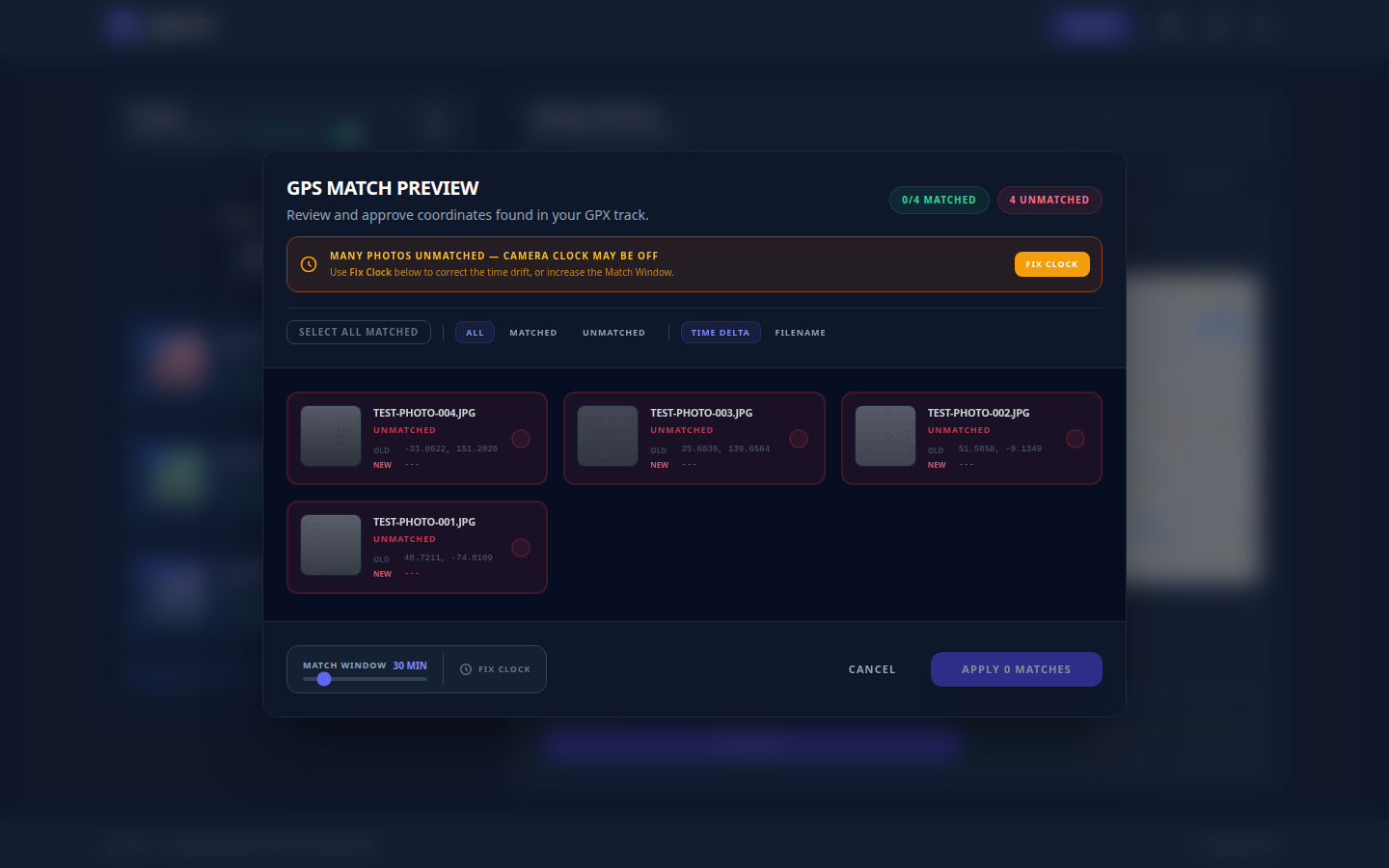
- The File Details Panel reads the IPTC, EXIF, and XMP blocks from every file and surfaces Title, Sublocation, Keywords, Description, Creator, Copyright Notice, and GPS side by side.
- Scroll the batch. If the fields are populated, that wedding is retrieval-ready. If blank, that wedding lives in the pre-metadata era of your archive.
- Repeat on one wedding per year going backward. Ten minutes total. You will find the year your archive went dark.
Available on the free tier and Pro. The audit is read-only either way.
Runs once per wedding, at Monday ingest.
- Save a Metadata Template once: Creator, Copyright Notice, and the wedding-keyword stack you use (ceremony, reception, portraits, details, first-look, family-formals). The same template mechanism covers Copyright, Artist, and Keywords, so one preset carries all three.
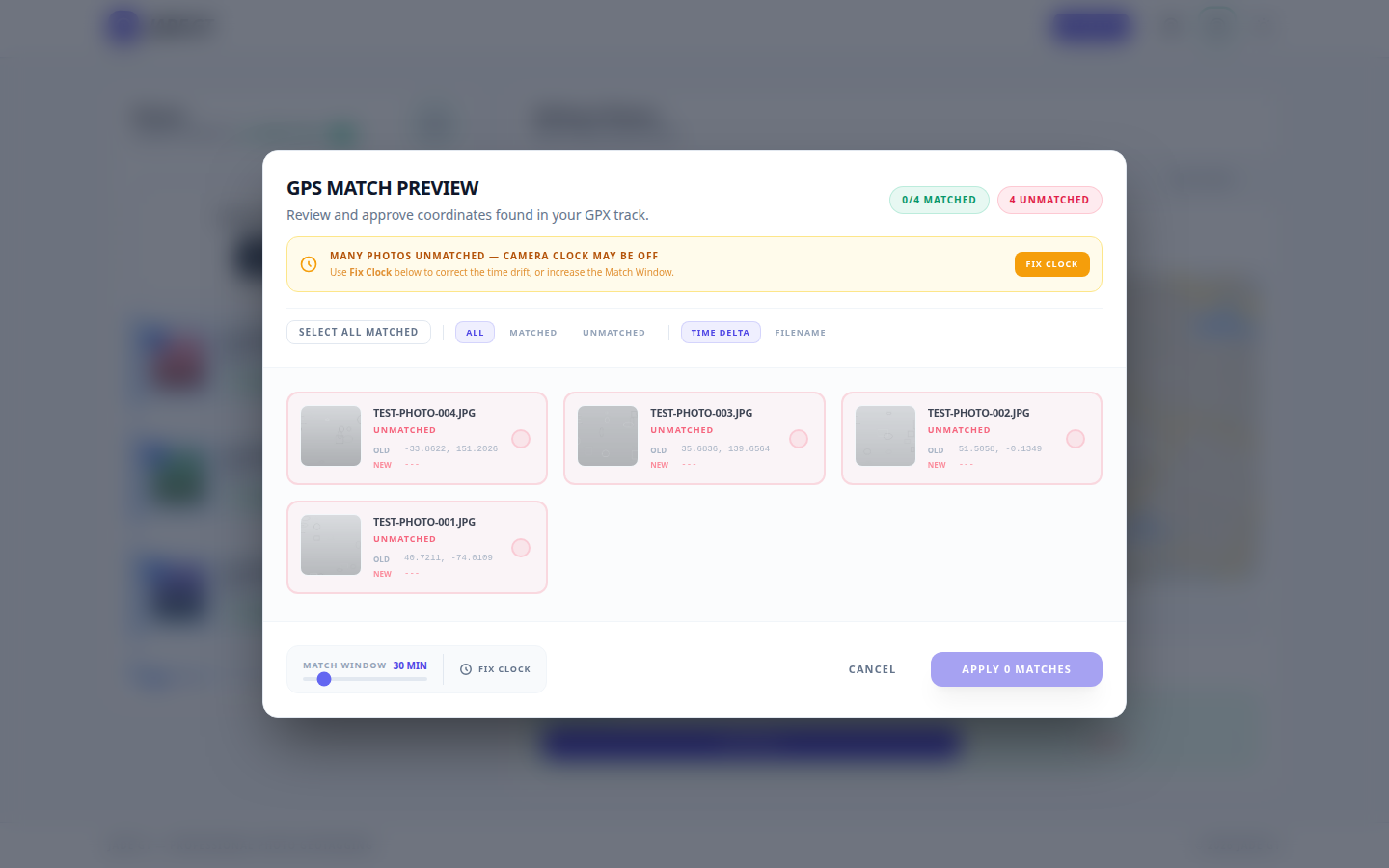
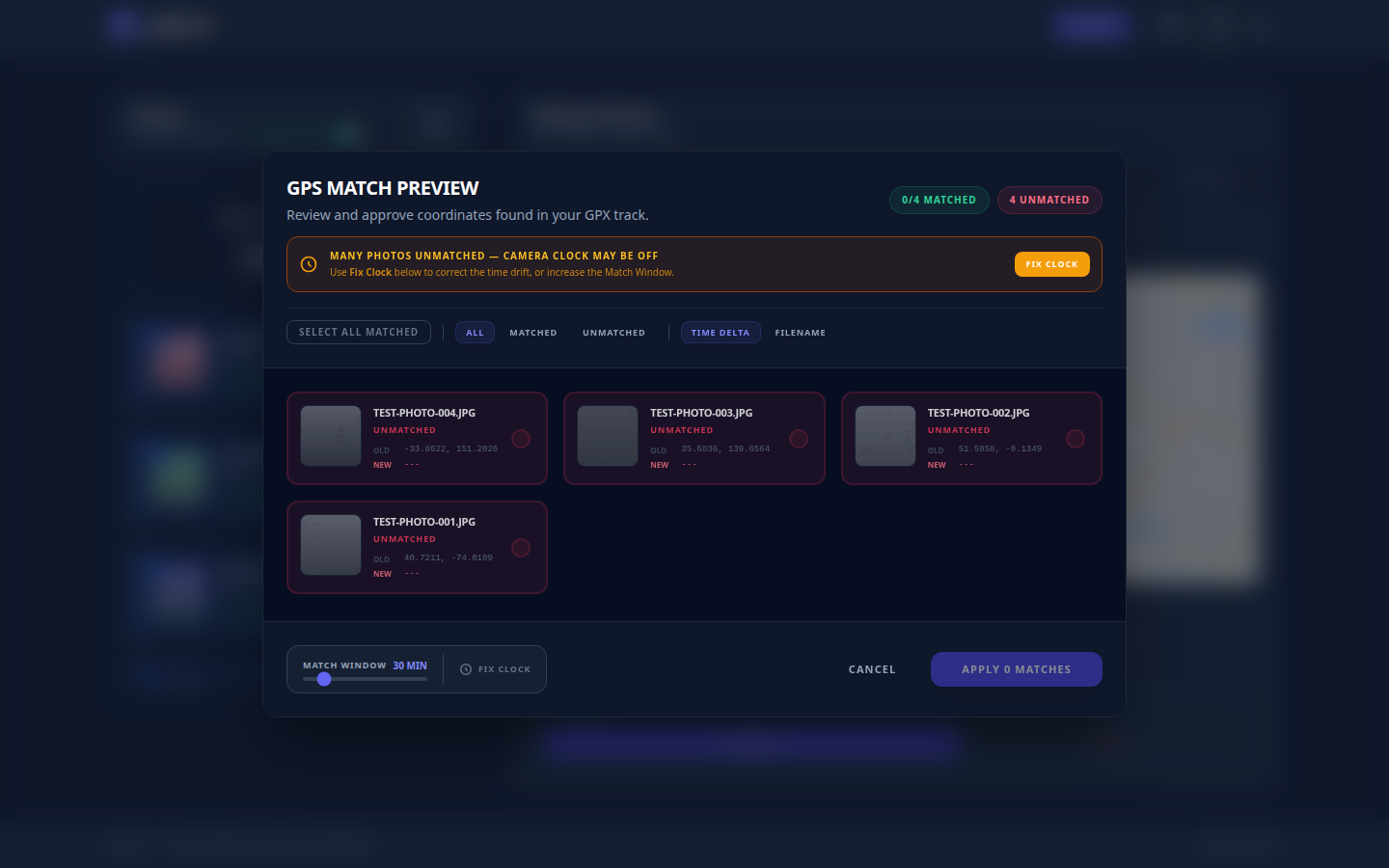
- Save the venue as a Location Preset: Sublocation, City, State, Country, plus the four GPS coordinates from the address.
- When the cards come in, drop the folder. Apply the Template and the Location Preset in one pass. Add the couple's names to the IPTC Title for this wedding. Commit.
- Two thousand frames go from anonymous files to retrieval-ready files in a single drag, before any catalog opens.
From that Monday forward, retrieval is a solved problem for every wedding after the line.
The six fields Jade GT reads and writes
These are the fields that survive every catalog migration, in the order they apply at ingest:
-
Filename: Renamed to your schema: client, event type, venue shortcode, year, zero-padded sequence.
-
IPTC Title: Couple names, venue, date. The headline every asset manager shows first.
-
IPTC Sublocation, City, State, Country: The Location Created hierarchy from the IPTC spec, applied once per venue.
-
IPTC Keywords: Your wedding taxonomy, applied in a single pass at ingest.
-
IPTC Description: A one-line summary of the event, typed once per wedding.
-
Creator and Copyright Notice: Photographer name and formal copyright. The fields that survive a downstream crop or a re-export.
Not a DAM. Not a replacement for Lightroom. The step before the step before the catalog.
What is the five-year question?
Here is the Tuesday-night question, after the 2019 couple gets their anniversary print.
Which wedding, today, will be your Iceland 2019 in 2031?
You do not know. That is the point. The couple who emails you six years from now has not been written yet. You do not get to decide in advance which archive year will hit the retrieval wall; they do, by emailing you. Every wedding on your calendar this month is a candidate for that future email.
Which means the question is not "should I clean up the back catalog" (answer: you cannot, and that is fine). The question is "does the frame I am shipping on Monday carry enough information about itself to be findable in 2031."
That is a question a Monday-morning workflow can answer in the affirmative. Not a week-long archival project. A rename, an IPTC template, a venue Sublocation, a keyword stack, an Event Title. The same six fields, every wedding, written before the catalog opens.
The PhotoShelter piece on how archiving makes life easier makes a version of this argument from the DAM-vendor side: the work that saves year five is the work you do on week zero. The embedded-metadata framing is the version of the argument that does not depend on which DAM you end up on, because the file is the source of truth.
What this will not do
Honest about the seams, since wedding pros trust tools that are.
- It will not retag your back catalog. 150 weddings of retroactive tagging is a month of full-time work, and no tool collapses that. The Monday-forward fix is the honest one.
- It will not guess the couple's names. IPTC Title, Event Description, and the filename schema are yours to define. The tool applies them across the batch once you have.
- It will not replace your Lightroom catalog. Your asset manager is still where you cull, rate, and deliver from. This runs before that step, not instead of it.
- It will not survive a file that had its metadata stripped on export. If the IPTC block got wiped at the deliverable stage, retrieval fails the same way. The fix is writing metadata at the source, not at the final render.
- It will not upload your files. Jade GT runs in the browser, but everything stays on the machine. No cloud processing, no training, no transfers. That is a useful sentence to have ready when a couple asks. The no-AI question wedding consultations post lays out exactly what to say when they do.
FAQ
Can I just fix this with a better asset manager?
A DAM helps, up to a point. PhotoShelter, Photo Mechanic Plus, and digiKam are all better than folder-by-date for retrieval. But an asset manager only indexes the metadata that is already in the file, plus whatever you type into the DAM directly (which then lives in the DAM's database). If the files shipped without IPTC Title, Sublocation, and Keywords, the DAM indexes anonymous files. The retrieval wall is about what the file carries, not which software reads the file.
I already use a Lightroom keyword hierarchy. Why is the archive still hard to search?
Check whether "Automatically write changes into XMP" is on, and whether you have actually run "Save Metadata to File" on your back catalog. A lot of Lightroom keyword stacks live inside the .lrcat and never reach the file. If the catalog gets corrupted, the drive is restored from a backup, or you migrate to Capture One, the catalog-only keywords go silent. Embedded IPTC is the durable half.
How do I know which weddings are retrieval-ready today?
Drop the folder into Jade GT and let the File Details Panel read the IPTC block from every frame. No writes, just a read. If Title, Sublocation, City, Description, and Keywords are populated, that wedding is retrieval-ready. If they are blank, the catalog is doing the retrieval job alone, and the file on disk is anonymous. Sample one wedding per year and you will see where the line falls in your archive within about ten minutes. Lightroom's Metadata panel will show the same fields if you would rather stay inside Lightroom; the audit is the same either way.
Three concrete steps, in the order the argument runs:
- Audit this week. Drop the folder from a 2021 wedding into Jade GT. The File Details Panel reads the IPTC without writing anything. You will see where the line falls in your archive inside ten minutes.
- Template before Saturday. Save a Metadata Template (Creator, Copyright, keyword stack) and a Location Preset for the next venue. Five minutes, once, reusable on every wedding after.
- Apply on Monday. When the cards come in, drop the folder, apply the Template and the Preset, add the couple's IPTC Title, and commit. Two thousand frames, retrieval-ready, before Lightroom opens.
The free tier reads and writes the same IPTC fields as Pro; the limits are on batch size, not on what ends up in the file. If ten photos look right, two thousand will too.
Further reading
- IPTC Photo Metadata Standard (current spec)
- IPTC Photo Metadata User Guide
- PhotoShelter: How Metadata Increases the Worth of Your Photos
- PhotoShelter: 5 Easy Ways to Spring Clean Your Image Archive
- PhotoShelter: How Archiving with PhotoShelter Makes Life Easier
- Camera Bits: Using the Metadata (IPTC) Template
- Camera Bits: Tour Photo Mechanic
- Adobe: Metadata Basics and Actions in Lightroom Classic
- Library of Congress and ASMP: Metadata Standards and Tools for Digital Photography
- r/WeddingPhotography subreddit
The retrieval you wish you had starts Monday morning, not five years later.
Reply to Kenny
Questions, corrections, or a workflow story of your own? Send a note. It goes straight to my inbox.